
- ECS
- 28 Nov 2026
How to Collect Product Data from Multiple Suppliers Efficiently
Collecting product information from one supplier is usually straightforward. Managing information from 10, 20 or even 100 suppliers is a different challenge.
One manufacturer might provide an Excel spreadsheet, another may send a PDF catalogue, while a third shares product specifications through a website or email attachment. Even when suppliers provide similar information, product names, measurement units, SKU formats and attribute descriptions can vary considerably.
For eCommerce retailers, wholesalers and distributors, these differences create additional work before products are ready to appear in an online catalogue.
The solution is not simply to collect more spreadsheets. Businesses need a consistent process for requesting, receiving, organising, checking and updating supplier product information.
Here is how to build a more efficient product data collection process without allowing supplier information to become disorganised as your catalogue grows.
1. Understand What Product Information You Need from Each Supplier
Before contacting suppliers, establish exactly which product details your business needs.
Without a defined requirement, suppliers may provide incomplete information or send unnecessary documents that take time to process.
Start by identifying the information required for your product categories.
Essential supplier product information
A typical product data collection template should include:
- Product name and manufacturer
- Supplier name and supplier ID
- Manufacturer SKU or model number
- GTIN, UPC or EAN, where applicable
- Product description
- Brand information
- Product category
- Dimensions and weight
- Materials and technical specifications
- Colour, size and other variations
- Wholesale price and currency
- Product images and image references
- Stock or availability information
- Packaging information
- Relevant product documents and certifications
Not every product needs every field. A furniture supplier may need to provide assembly information, materials and package dimensions, while an electronics supplier may need to provide voltage, connectivity and compatibility details.
Create category-specific requirements rather than sending an identical list of fields to every supplier.
2. Create a Standard Supplier Data Collection Template
One of the most practical ways to improve supplier data collection is to provide a standard template.
Many suppliers already maintain their product information in spreadsheets, but their column headings and data structures may differ.
For example:
| Supplier A | Supplier B | Your standard field |
|---|---|---|
| Item Code | Product Ref | Supplier SKU |
| Product Title | Item Name | Product Name |
| Product Width | Width (mm) | Width |
| Finish | Surface Colour | Finish |
| Product Details | Description | Product Description |
Instead of manually interpreting every supplier file, create a master template that defines the fields your business uses.
Include the following instructions:
- Required and optional fields.
- Accepted measurement units.
- Product naming conventions.
- Permitted attribute values.
- Date and currency formats.
- Image file naming rules.
- Unique product identifiers.
- Instructions for missing information.
Give each supplier a clear version of the template and explain how it should be completed.
Practical tip: Keep a separate record of the original supplier column headings and their corresponding master fields. This makes future imports easier when the same supplier sends updated files.
3. Choose Reliable Ways to Collect Supplier Information
Not every supplier will have the same technical capabilities. Some can provide structured product feeds, while others still depend on spreadsheets and PDF catalogues.
Choose a collection method based on the supplier’s available systems and the volume of information involved.
Excel and CSV spreadsheets
Spreadsheets are useful for suppliers managing product information in structured rows and columns.
They are particularly practical for small and medium-sized catalogues, bulk updates and businesses that do not have automated supplier integrations.
However, check that product codes, barcodes and SKUs are preserved as text. Spreadsheet applications can automatically change certain values, including long numbers and codes that resemble dates.
PDF product catalogues
Some manufacturers distribute their product specifications through PDF documents.
These may contain product tables, technical descriptions, images and diagrams.
Information can be extracted manually or through suitable document-processing tools. However, extracted information should be checked against the original document, especially where specifications and measurements are concerned.
Supplier websites and online portals
Some manufacturers maintain product information on their websites or dedicated supplier portals.
These sources can help when structured spreadsheets are unavailable, but businesses should confirm that the information is current and that they have permission to collect and reuse it.
Automated data feeds
Larger suppliers may provide structured XML, JSON, API or other data feeds.
These methods can reduce repetitive manual collection and make regular updates easier to manage.
For suitable industries and trading partners, GS1’s Global Data Synchronisation Network (GDSN) provides a standardised way to exchange product information through certified data pools. It is particularly relevant where trading partners already use compatible GS1 standards.
The important point is to avoid forcing every supplier into a collection method they cannot realistically maintain.
4. Centralise All Supplier Information in One Location
Receiving supplier files through different email accounts, messaging applications and shared folders makes product information difficult to manage.
A centralised collection system gives your team one place to locate supplier records, review submissions and identify outstanding information.
A practical folder structure could look like this:
- Supplier Product Data
- Supplier A
- Original Files
- Product Images
- Processed Data
- Updated Submissions
- Supplier B
- Original Files
- Product Images
- Processed Data
- Updated Submissions
- Supplier C
- Original Files
- Product Images
- Processed Data
- Updated Submissions
- Supplier A
For larger operations, a product information management (PIM) system or structured database can provide additional control.
Maintain useful tracking information alongside each submission:
- Supplier name and reference.
- File received date.
- Submission version.
- Product count.
- Processing status.
- Missing information.
- Review status.
- Last updated date.
This makes it easier to identify which supplier files have been processed and which still require attention.
5. Standardise Product Information Before Combining Supplier Files
Collecting supplier information into one spreadsheet does not automatically create a usable catalogue.
Different suppliers may describe identical product attributes in different ways.
For example:
| Supplier | Supplied value | Standardised value |
|---|---|---|
| A | Navy Blue | Navy |
| B | Dark Navy | Navy |
| C | Navy Colour | Navy |
Measurements can create similar problems.
One supplier may provide dimensions in centimetres, another in millimetres and another in inches.
Decide on standard units and conversion rules before combining the information.
Also establish consistent rules for:
- Product titles.
- Brand names.
- Product categories.
- Attribute values.
- Weight and dimensions.
- Colour and material names.
- Product descriptions.
- Variant naming.
Keep the original supplier value alongside the standardised value where practical. This preserves traceability and helps your team investigate discrepancies.
For a more detailed approach, see our guide on standardising product attributes from different suppliers.
6. Use Product Identifiers to Prevent Duplicate Records
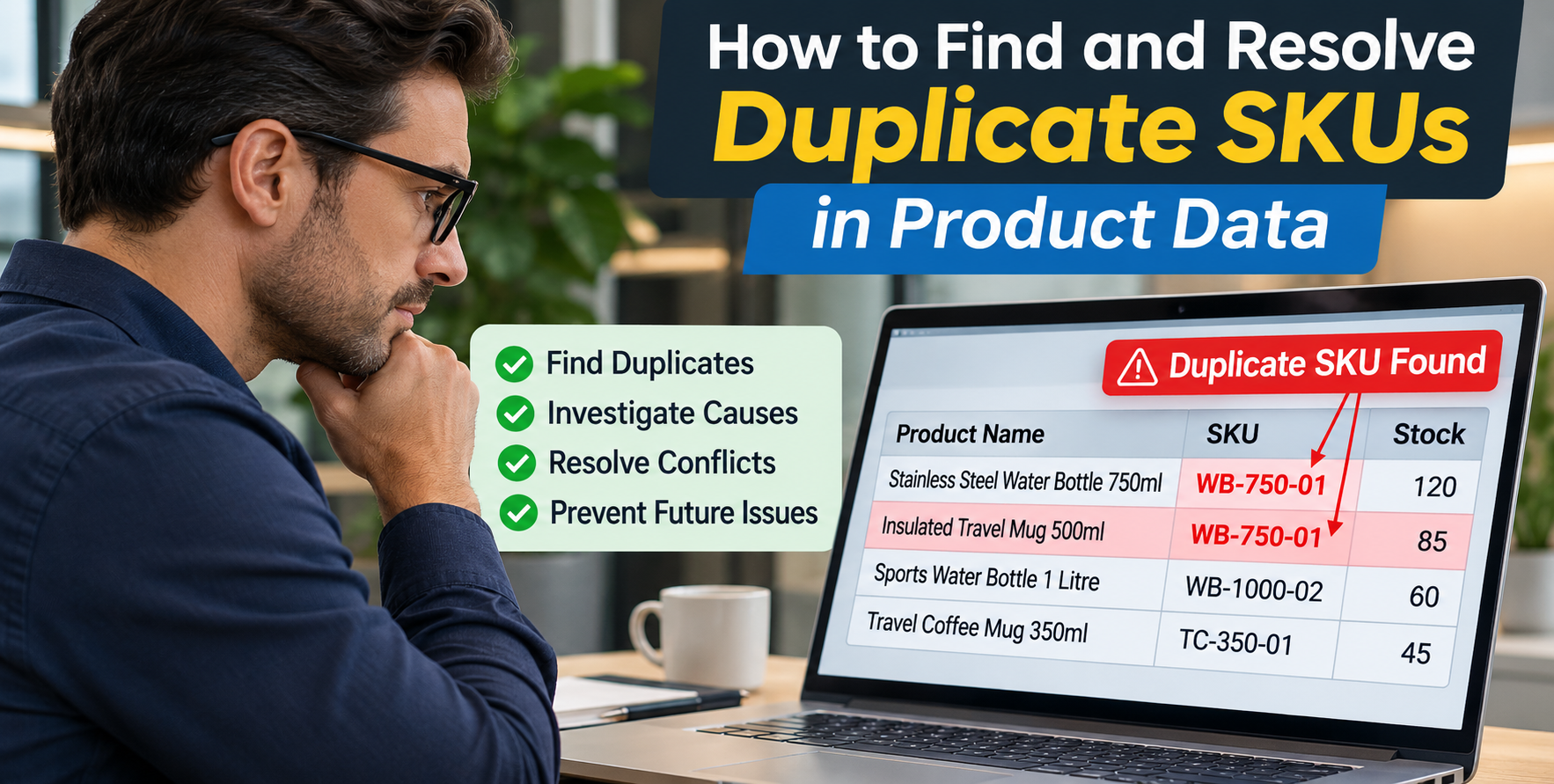
Duplicate product records are a common problem when collecting information from multiple manufacturers and distributors.
The same product may appear under different supplier codes, descriptions or naming conventions.
For example, two suppliers may provide the same manufacturer’s product using different internal reference numbers.
Do not assume that matching product titles always indicate identical products.
Use a combination of identifiers and product characteristics when checking for duplicates:
- GTIN, UPC or EAN.
- Manufacturer part number.
- Brand and model number.
- Manufacturer SKU.
- Product specifications.
- Variant information.
Keep supplier-specific SKUs separate from your own internal product ID.
A product may have one internal catalogue record but several supplier references. Maintaining these relationships makes it easier to identify the correct product without losing supplier information.
If two records appear similar but have conflicting specifications, send them for manual review instead of automatically merging them.
7. Validate Supplier Data Before Adding Products to Your Catalogue
Supplier files should pass quality checks before they enter the main product catalogue.
A spreadsheet may contain thousands of records but still have missing descriptions, incorrect measurements, duplicate identifiers or incomplete specifications.
Set up validation rules for important fields.
Important product data validation checks
Completeness: Are all required fields populated?
Accuracy: Do the supplied specifications match the original product documentation?
Consistency: Are naming conventions, measurement units and attribute formats standardised?
Uniqueness: Are product identifiers and records checked for duplicates?
Validity: Do values follow the permitted formats and accepted ranges?
Timeliness: Is the supplier information current?
For example, a product with a missing manufacturer reference should not automatically be treated as ready for publication if that reference is mandatory for your catalogue.
Create an exception report showing missing information and records requiring clarification.
This allows your team to resolve specific problems without delaying the processing of every other product.
8. Establish a Regular Supplier Update Process
Product information changes after the initial collection.
Suppliers may introduce new models, discontinue products, revise specifications, change packaging or update wholesale prices.
Without a regular update process, your catalogue gradually becomes outdated.
Establish a schedule based on the type of information being managed.
- Product additions: whenever new products are introduced.
- Product specifications: whenever manufacturers issue revisions.
- Pricing: according to agreed supplier update schedules.
- Stock information: according to the required inventory refresh frequency.
- Images and documents: whenever updated assets become available.
- Discontinued products: when the supplier confirms their status.
Avoid replacing the entire product dataset every time a supplier sends an update.
Instead, compare the new submission against the existing records and identify which products or fields have changed.
Keep a record of the previous values for important fields, particularly where pricing, specifications and product availability are concerned.
9. Prepare Collected Data for Different eCommerce Platforms
Once supplier data has been collected, standardised and checked, it needs to be prepared for the relevant sales channels.
A single supplier spreadsheet may not contain every field required by your online store or marketplace.
For example, a Shopify product import and an Amazon marketplace listing have different data structures and listing requirements.
Businesses should maintain a structured master product record and map the relevant information to each destination.
Depending on the platform, this may involve:
- Product titles and descriptions.
- Categories and product types.
- Required attributes.
- Product variants.
- Images and image references.
- Identifiers and manufacturer details.
- Platform-specific fields.
Do not assume that one supplier spreadsheet can be uploaded unchanged to every selling channel.
Check the current documentation and category requirements of each destination before preparing bulk imports.
10. When Should You Outsource Supplier Product Data Processing?
Managing supplier information internally may work well when the product range is small and updates are occasional.
However, the workload increases when a business receives files from multiple manufacturers, manages thousands of products or maintains listings across several sales channels.
Common reasons to consider outsourcing include:
- Supplier spreadsheets arriving in different formats.
- Large volumes of product information requiring manual processing.
- Missing attributes and incomplete descriptions.
- Duplicate product records across suppliers.
- Repeated catalogue updates.
- Product information requiring standardisation.
- Bulk uploads and product categorisation.
- Product images requiring organisation and mapping.
Professional support can help businesses organise supplier information, process product records, validate data and prepare catalogue files according to agreed requirements.
eCommerce Catalog Solution provides product data entry, catalogue management, data cleansing and related product information services. Businesses can explore its product data entry services when supplier information requires structured processing.
Common Mistakes to Avoid When Collecting Supplier Product Data
Even with a defined process, some mistakes can create problems later.
Accepting every supplier file without checking its structure: Review the file format and required fields before processing.
Overwriting original supplier information: Preserve source files and important original values so corrections can be traced.
Using inconsistent product identifiers: Maintain a clear relationship between internal SKUs, manufacturer references and supplier codes.
Combining similar products without verification: Check product specifications and variants before merging records.
Ignoring missing attributes: Identify incomplete information before products are published.
Failing to track updates: Record submission versions and processing dates to avoid using outdated supplier information.
Using one format for every sales channel: Maintain a master product dataset and prepare separate channel-specific outputs where required.
Conclusion
Collecting product data from multiple suppliers efficiently requires more than gathering spreadsheets and product catalogues. Businesses need a repeatable system for requesting information, managing supplier submissions, standardising product attributes and checking data quality.
Start with a clear supplier template, centralise incoming files, maintain product identifiers and establish validation rules. Regular update procedures will also help prevent outdated information from accumulating in your catalogue.
As product volumes grow, structured product data processing and professional catalogue management can reduce the amount of repetitive work handled by internal teams.
Need Help Managing Product Information from Multiple Suppliers?
eCommerce Catalog Solution can assist with product data entry, catalogue processing, data cleansing and product information management according to your business requirements.